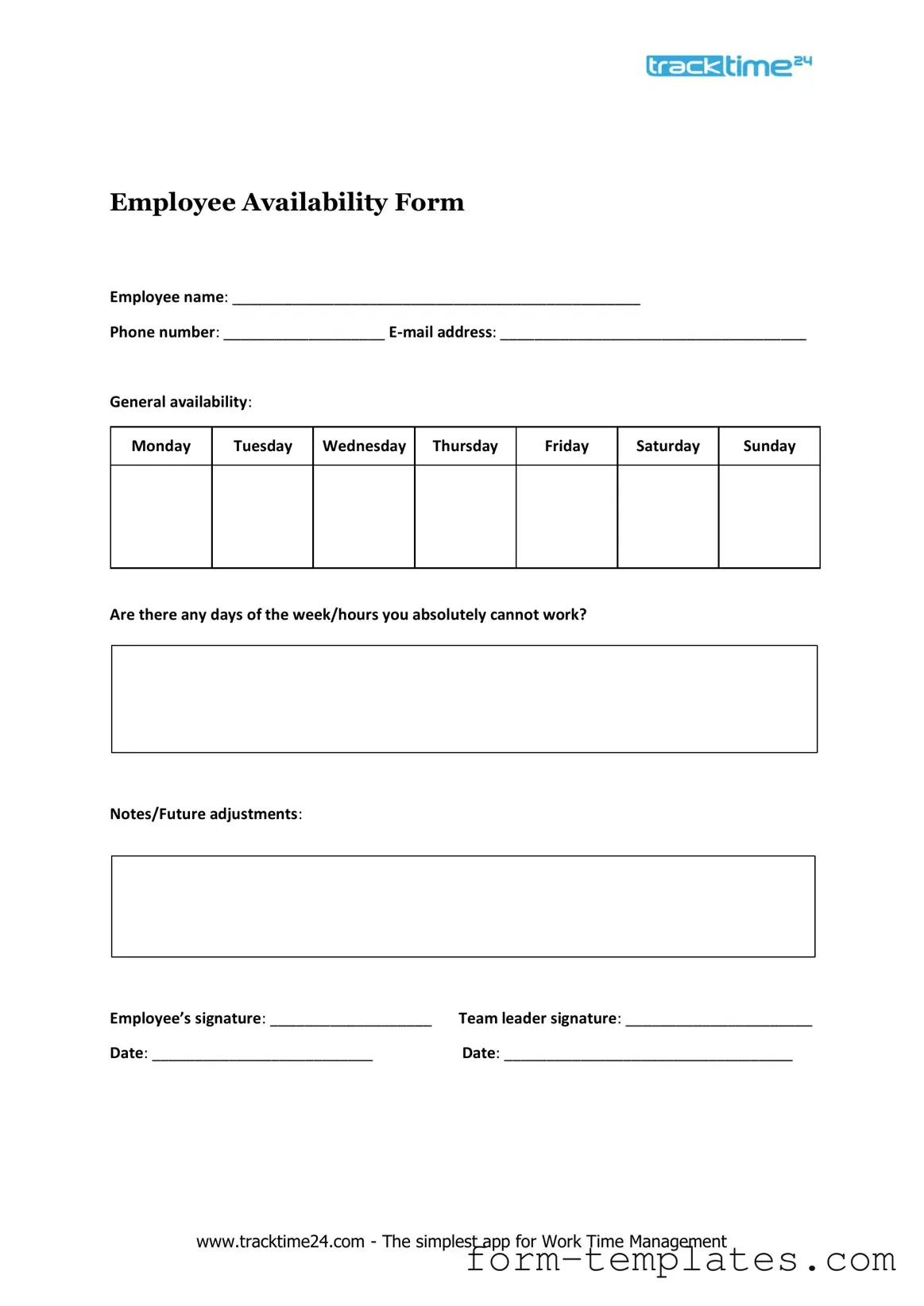
Fill Out a Valid Employee Availability Template
Guide to Writing Employee Availability
Completing the Employee Availability form is an essential step in ensuring that scheduling aligns with your preferences. After filling out the form, it will be reviewed by management to create a work schedule that accommodates everyone’s needs.
- Begin by entering your full name in the designated field.
- Provide your employee ID number to help identify your record.
- Select your preferred start date for the availability period.
- Indicate the days of the week you are available to work by checking the appropriate boxes.
- Specify the hours you are available on each selected day.
- If there are any days you are not available, list them in the comments section.
- Review all entered information for accuracy before submission.
- Submit the form according to the provided instructions, either electronically or in person.
Document Breakdown
| Fact Name | Description |
|---|---|
| Purpose | The Employee Availability form is used to gather information about an employee's preferred working hours and availability for shifts. |
| Importance | Understanding employee availability helps employers schedule shifts efficiently and accommodate employees' personal commitments. |
| State-Specific Requirements | In some states, such as California, employers must adhere to labor laws that require consideration of employee availability when scheduling. |
| Submission Process | Employees should submit the completed form to their supervisor or human resources department for proper scheduling consideration. |
FAQ
What is the purpose of the Employee Availability form?
The Employee Availability form is designed to collect information about when employees are available to work. This form helps employers schedule shifts effectively, ensuring that staffing needs are met while accommodating employee preferences. By understanding each employee's availability, businesses can optimize their operations and create a more balanced work environment.
Who needs to fill out the Employee Availability form?
All employees who wish to communicate their preferred working hours should complete the Employee Availability form. This includes both full-time and part-time employees, as well as those with flexible schedules. Providing this information is crucial for effective scheduling and helps ensure that everyone’s needs are considered.
How often should the Employee Availability form be submitted?
Employees should submit the Employee Availability form whenever there are changes to their availability. This could be due to various reasons, such as a new class schedule, personal commitments, or changes in life circumstances. Regular updates help maintain accurate records, which in turn aids in efficient scheduling. It is advisable to review and submit the form at least once a month or whenever significant changes occur.
What should I do if my availability changes after I submit the form?
If your availability changes after you have submitted the form, it is important to notify your supervisor or the designated HR personnel as soon as possible. You may need to fill out a new form to reflect your updated schedule. Quick communication ensures that your employer can make the necessary adjustments to the work schedule, minimizing any potential conflicts.
Fill out Other Forms
What Is Form 940 - Filing Form 940 accurately helps support the solvency of state unemployment funds.
A Room Rental Agreement is a legal document that outlines the terms and conditions between a landlord and a tenant for renting a room in a property. This agreement helps protect the rights of both parties and ensures clarity regarding payment, responsibilities, and rules. To get started, fill out the form by clicking the button below, or you can review the details at the Room Lease Agreement for further information.
Panel Schedule - The Electrical Panel Schedule aids in training new staff on existing electrical systems.
Employee Availability Example
Employee Availability Form
Employee name: ________________________________________________
Phone number: ___________________
General availability:
Monday
Tuesday
Wednesday
Thursday
Friday
Saturday
Sunday
Are there any days of the week/hours you absolutely cannot work?
Notes/Future adjustments:
Employee’s signature: ___________________ Team leader signature: ______________________
Date: __________________________Date: __________________________________
www.tracktime24.com - The simplest app for Work Time Management